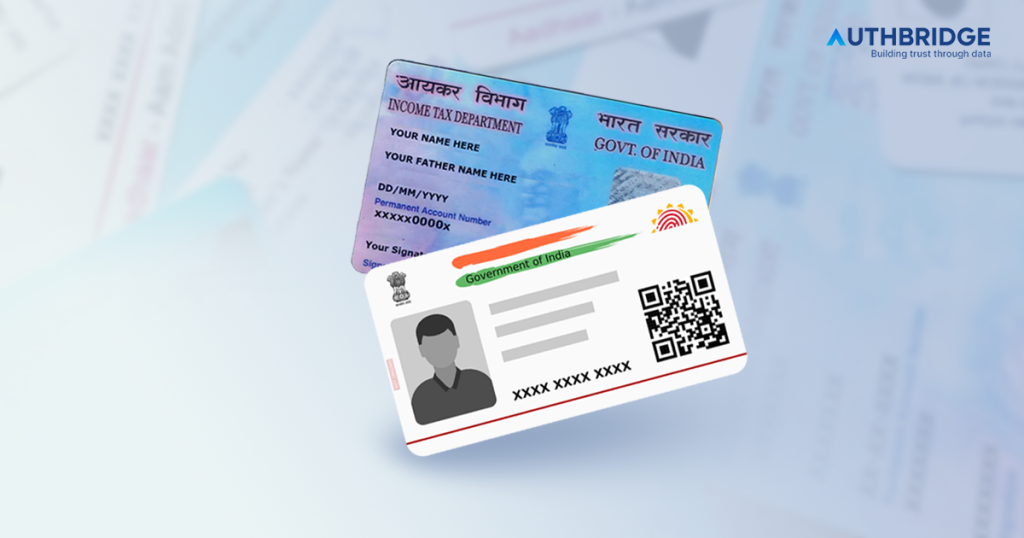

Know Your Customer or KYC refers to a set of regulations requiring financial institutions to verify the identity and address of their customers. This verification process typically involves two key steps:
- Customer Identification: Customers provide documents proving their identity (proof of identity – POI), address (proof of address – POA), and date of birth (DOB).
- Risk Assessment: Based on the collected information, the financial institution assesses the customer’s risk profile for potential financial crimes.
PAN Card KYC Offline Process Steps
The offline process for completing PAN Card KYC is simple and involves submitting physical documents to the relevant authority. Here’s a step-by-step guide:
Download and Fill the KYC Form
Visit the official website of CDSL Ventures or the financial institution you’re dealing with and download the KYC application form. Fill in all the required details, including personal information like name, address, and PAN number.Attach Required Documents
Along with the filled KYC form, you must submit photocopies of the following:- ID Proof: PAN card, passport, voter ID, or driver’s license.
- Address Proof: Recent utility bills (like electricity or phone), bank passbook, ration card, or rental agreement.
- Passport-size Photograph: A recent photo needs to be attached to the form.
Submit the KYC Form
Submit the completed form along with the necessary documents to the relevant financial institution or mutual fund intermediary. Ensure that the documents are self-attested before submission.Verification
Once submitted, the documents will undergo a verification process by the concerned authority. This might include a representative physically verifying your information.Completion
After the verification process is complete, you will receive confirmation that your KYC has been successfully registered. You can now conduct financial transactions using your PAN card.
PAN Card KYC Online Process Steps
The online process for completing PAN Card KYC is convenient and can be done from the comfort of your home. Here’s a step-by-step guide to help you through the process:
Visit the KYC Registration Agency (KRA) Website
Go to the official website of any SEBI-registered KRA, such as CAMS, CDSL Ventures, or NSDL. These agencies store and verify KYC information for financial transactions.Select the eKYC Option
On the KRA website, select the option for “eKYC” or “KYC Registration.” Some websites may also have an option specifically for “KYC using PAN Card.”Enter PAN Card Details
Fill in your PAN card number and other basic details like your full name, date of birth, and email ID/mobile number. This information is used to verify your identity.Submit OTP for Verification
After entering your details, you will receive a One-Time Password (OTP) on your registered mobile number (linked to your Aadhaar card). Enter the OTP to verify your identity.Upload Required Documents
You will need to upload scanned copies of the following documents:- ID Proof: PAN card (mandatory)
- Address Proof: Aadhaar card, passport, voter ID, or any other valid address proof.
- Passport-size Photograph: A recent photograph in digital format.
Complete Video KYC (if required)
Some KRAs may require you to complete a short video verification process to further validate your identity. This can typically be done using your smartphone or computer with a camera.Submit the Application
Once all the details and documents are uploaded, review the information and submit the form.Track KYC Status
After submission, you can track the status of your KYC verification by visiting the same website and entering your PAN details. The status will show as “Verified” once the process is successfully completed.
Additional Tips:
- Ensure your mobile number is linked with your Aadhaar card as it’s required for OTP verification.
- Double-check all document scans for clarity before uploading.
- The process typically takes a few days, but can be faster depending on the KRA.