
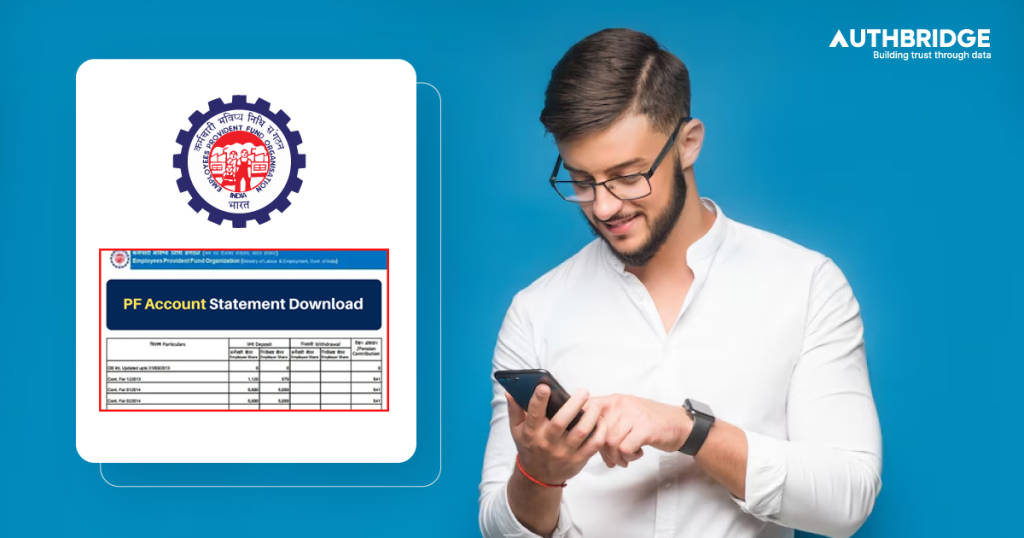

An EPF statement, commonly referred to as an EPF passbook, is an official record that tracks all transactions related to an employee’s Employees’ Provident Fund (EPF) account. This document is updated periodically and allows employees to monitor their contributions, withdrawals, and interest earnings.
A PF statement is particularly useful for employees who want to:
- Check their current EPF balance
- Track monthly employer and employee contributions
- Monitor interest earned on their EPF deposits
- Validate past transactions, including withdrawals and transfers
- Ensure that their employer is making timely contributions
The EPF passbook is available online through the EPFO Member e-Sewa portal and the UMANG mobile app, making it accessible at any time.
The EPFO Member e-Sewa portal is the most common and reliable way to download a PF statement. This portal provides employees with direct access to their EPF passbook, allowing them to track their contributions, interest earnings, and transaction history in a few simple steps.
Visit the EPFO Member Portal
Go to the official EPFO e-Sewa portal by visiting https://unifiedportal-mem.epfindia.gov.in.
Log In with Your UAN and Password
- Enter your Universal Account Number (UAN) and password.
- Complete the CAPTCHA verification and click on the Sign In button.
- If you haven’t activated your UAN, click on “Activate UAN”, enter the required details, and follow the verification process.
Access the ‘View Passbook’ Option
- Once logged in, navigate to the “Passbook” section on the dashboard.
- Click on the “Download Passbook” option to proceed.
Select Your PF Account
- If you have worked for multiple employers, select the relevant PF account number for which you wish to download the EPF statement.
- The system will retrieve the transaction details linked to the selected account.
Download the EPF Statement
- Click on the “Download” or “Print” option to save the passbook as a PDF file.
- You can now view, print, or share the PF statement as required.
Important Notes:
✔️ The EPF passbook is only accessible if your employer has filed the Electronic Challan cum Return (ECR) for your contributions.
✔️ The EPFO portal does not display real-time updates, and transactions are reflected after a certain period.
✔️ Ensure your UAN is linked with Aadhaar, PAN, and bank account details to access the statement without issues.
The UMANG (Unified Mobile Application for New-age Governance) app is a convenient alternative to the EPFO Member Portal, allowing employees to check their EPF balance and download their statements directly from their smartphones.
Download and Install the UMANG App
- Open the Google Play Store (for Android) or Apple App Store (for iOS).
- Search for “UMANG” and download the official app.
- Install and open the app on your smartphone.
Log In or Register on the UMANG App
- If you are a new user, you will need to register using your mobile number and create an MPIN for future logins.
- If you are an existing user, enter your registered mobile number and MPIN to log in.
Search for EPFO Services
- On the UMANG home screen, type “EPFO” in the search bar.
- Select “Employee Centric Services” from the results.
- Click on “View Passbook” to proceed.
Enter Your UAN and OTP Verification
- Enter your Universal Account Number (UAN).
- An OTP (One-Time Password) will be sent to your registered mobile number linked with UAN.
- Enter the OTP to authenticate and access your EPF details.
Select the PF Account and Download the Statement
- If you have multiple PF accounts (from previous employers), select the relevant one.
- The EPF passbook will be displayed on the screen, showing all contributions, interest, and transaction details.
- Click on the “Download” or “Print” option to save the statement as a PDF file.